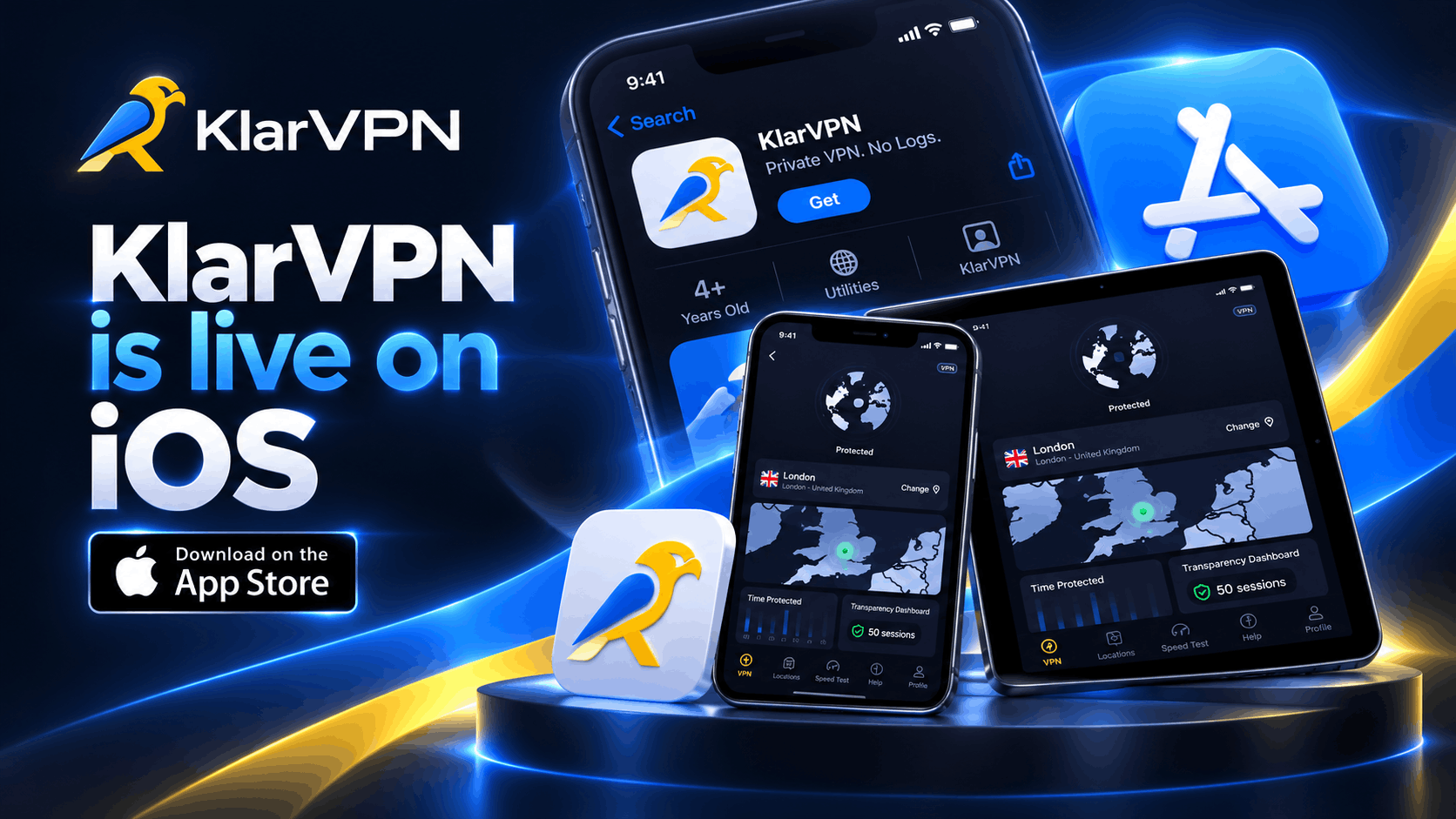
KlarVPN for iPhone is Live Now
KlarVPN is now available on the App Store for iPhone and iPad.
But we did not build another VPN app just to add one more Connect button to your phone.
KlarVPN was built around a different idea:
If a VPN asks you to trust it with your privacy, you should be able to see what it knows about you.
That is why KlarVPN combines your own encrypted VPN tunnel with a live Transparency Dashboard that shows what data exists about your account.
No blind trust.
Just privacy you can see.
So, What Makes KlarVPN Different on iPhone?
Most VPN apps follow a familiar model.
You download the app.
Choose a server.
Tap connect.
Then the VPN tells you that your connection is private.
KlarVPN does those basic things too, but we wanted to solve the question that comes next:
What happens after you trust the VPN?
KlarVPN gives you more visibility into the connection itself.
Every account gets:
- Its own encrypted VPN tunnel
- Live Transparency Dashboard
- Kill Switch
- Auto-Connect
- Respin
- No browsing-history logging
- No DNS-query logging
- No destination-IP logging
- No ads
- 3 GB free every month
Here is how those features work.
Your Own Encrypted VPN Tunnel
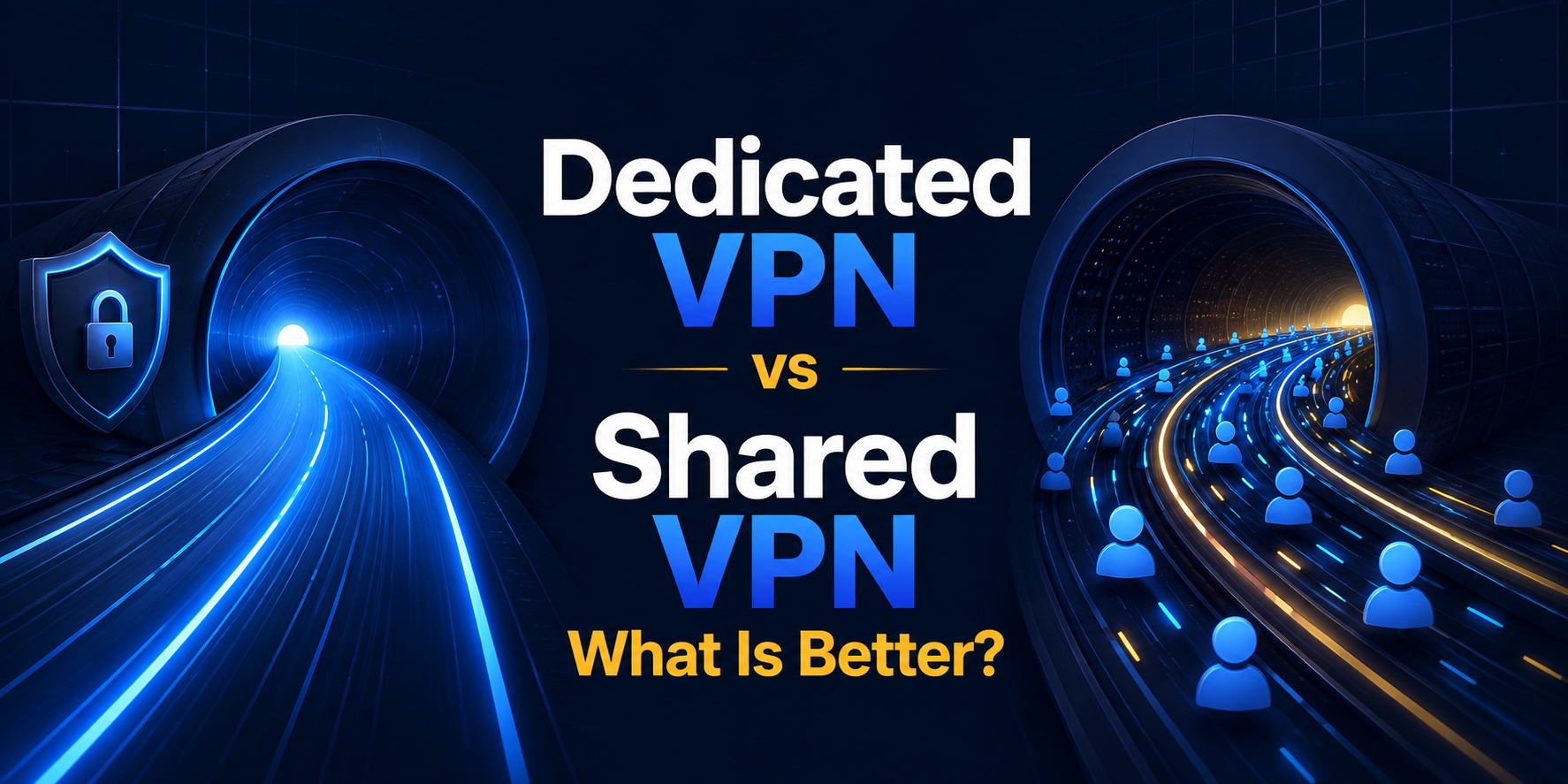
When you connect to KlarVPN, your session gets its own isolated encrypted tunnel with its own session keys.
Your traffic is not mixed into another user’s VPN tunnel.
That does not mean you receive a permanent dedicated public IP address. Public VPN IPs can still be shared.
The important difference is the tunnel itself.
Your encrypted connection and session keys are isolated from other users.
It is a simpler idea than it sounds:
Your connection gets its own private path through the VPN.
See What KlarVPN Knows About You
“No logs” is one of the most common claims in the VPN industry.
The problem is that users usually have no way to see what sits behind that promise.
KlarVPN takes a different approach.
Open the Transparency Dashboard, and you can see the information KlarVPN maintains for your account.
KlarVPN counts total bandwidth usage because plans have usage limits. While you are connected, limited connection information is also required to keep the session running.
What KlarVPN does not keep as browsing records includes:
- Websites you visit
- Browsing history
- DNS queries
- Destination IP logs
- Contents of your VPN traffic
- Behavioral profiles
You should not need to guess what your VPN knows.
You should be able to check.
Want a Fresh Tunnel? Respin It.
Changing VPN servers usually changes where your traffic exits.
KlarVPN’s Respin goes further.
When you Respin, the current tunnel is torn down, and a fresh one is created with:
- Fresh session keys
- A new VPN IP
- A refreshed tunnel fingerprint
It is not simply another server-switch button.
It gives the VPN side of your connection a fresh start.
This does not erase browser cookies, account logins, device identifiers, or other information websites may use to recognise you. Respin refreshes the KlarVPN tunnel, not your entire digital identity.
Built for the Way Your iPhone Actually Connects
Your iPhone rarely stays on one network all day.
You might start on home Wi-Fi, move to cellular data, join an office network, connect at a coffee shop, and later use airport or hotel Wi-Fi.
KlarVPN is designed around that reality.
Auto-Connect
Auto-Connect can activate VPN protection when your iPhone joins a network you have not marked as trusted.
You do not have to remember to open the VPN every time your network changes.
Kill Switch
If the protected tunnel unexpectedly drops, Kill Switch helps prevent your internet traffic from simply continuing outside the VPN connection.
Together, the two features help reduce the gaps that can happen when mobile devices constantly move between networks.
Free Means Free. Not Ad-Supported.
A free privacy product should not need to make your activity the product.
KlarVPN’s Free plan includes 3 GB every month.
And free users still get the core privacy experience:
| Free KlarVPN Includes | Available |
| Private encrypted tunnel | Yes |
| Transparency Dashboard | Yes |
| Kill Switch | Yes |
| Auto-Connect | Yes |
| No activity logs | Yes |
| No ads | Yes |
| No tracking | Yes |
| Monthly VPN data | 3 GB |
No credit card is required to start using the free plan.
If you need more data later, paid plans are available.
CTA: Try KlarVPN Free
KlarVPN Works on iPhone and iPad
KlarVPN is available for both iPhone and iPad.
Your account is not limited to a single device, so you can use KlarVPN across the supported devices you use without buying a separate account for each one.
That means the same privacy model follows you from your phone to your tablet:
Your own tunnel. Your dashboard. Your privacy controls.
How to Start Using KlarVPN on iPhone
Getting connected only takes a few steps.
1. Download KlarVPN
Find KlarVPN in the Apple App Store and install it on your iPhone or iPad.
2. Sign In
Create your KlarVPN account or sign in if you already have one.
3. Choose a VPN Location
Select the location you want to connect through.
4. Tap Connect
iOS will ask you to approve the VPN configuration the first time.
Once approved, KlarVPN creates your encrypted tunnel.
5. Open the Transparency Dashboard
Once connected, open the dashboard and see what KlarVPN actually stores about your account.
Download KlarVPN on the App Store
What KlarVPN Can Protect on Your iPhone
A VPN encrypts traffic travelling between your iPhone and the VPN service.
That makes KlarVPN particularly useful when you:
- Connect to public Wi-Fi
- Use airport or hotel networks
- Want websites to see a VPN IP instead of your real network IP
- Move frequently between Wi-Fi and cellular data
- Want more privacy from the local network you are using
But a VPN is not an invisibility button.
KlarVPN cannot prevent a website from recognising you when you log into your account. It cannot remove cookies already stored in your browser, stop every form of browser fingerprinting, protect you from phishing, or secure a compromised device.
VPN privacy works best as one layer of a broader privacy and security setup.
Why We Built KlarVPN This Way
The hardest part of choosing a VPN is not finding one that says the right things.
Almost every provider can tell you:
“We don’t log.”
“We protect your privacy.”
“Trust us.”
We wanted to remove as much of that trust gap as possible.
That is why KlarVPN gives every user a private encrypted tunnel and puts the information we retain directly in front of them through the Transparency Dashboard.
You can see your sessions.
You can see your usage.
And you can see just how little else there is to see.
Privacy should not disappear behind a Connect button.
KlarVPN for iPhone Is Available Now.
KlarVPN is live on the App Store for iPhone and iPad.
Start with 3 GB free every month, connect through your own encrypted tunnel, and open the Transparency Dashboard for yourself.
No ads.
No browsing-history logs.
No blind trust.
KlarVPN. Stay Private.
Frequently Asked Questions
Is KlarVPN available for iPhone?
Yes. KlarVPN is available through the Apple App Store for both iPhone and iPad.
Is KlarVPN free on iPhone?
Yes. KlarVPN includes a Free plan with 3 GB of VPN usage every month. The free plan includes the private encrypted tunnel, Transparency Dashboard, Kill Switch, and Auto-Connect without ads or activity tracking.
Does KlarVPN work on iPad?
Yes. The KlarVPN iOS app supports both iPhone and iPad.
What does KlarVPN store?
KlarVPN counts total bandwidth usage to enforce plan allowances. Limited connection metadata is temporarily required while a VPN session is active. KlarVPN does not keep browsing history, DNS queries, destination IP logs, or the contents of your VPN traffic.
What is a dedicated private tunnel?
A dedicated private tunnel means your KlarVPN session gets an isolated encrypted tunnel and session keys rather than sharing another user’s tunnel. It does not mean you receive a permanent dedicated public IP address.
Does KlarVPN work on Wi-Fi and mobile data?
Yes. KlarVPN can protect your connection while your iPhone or iPad uses Wi-Fi or cellular data.