
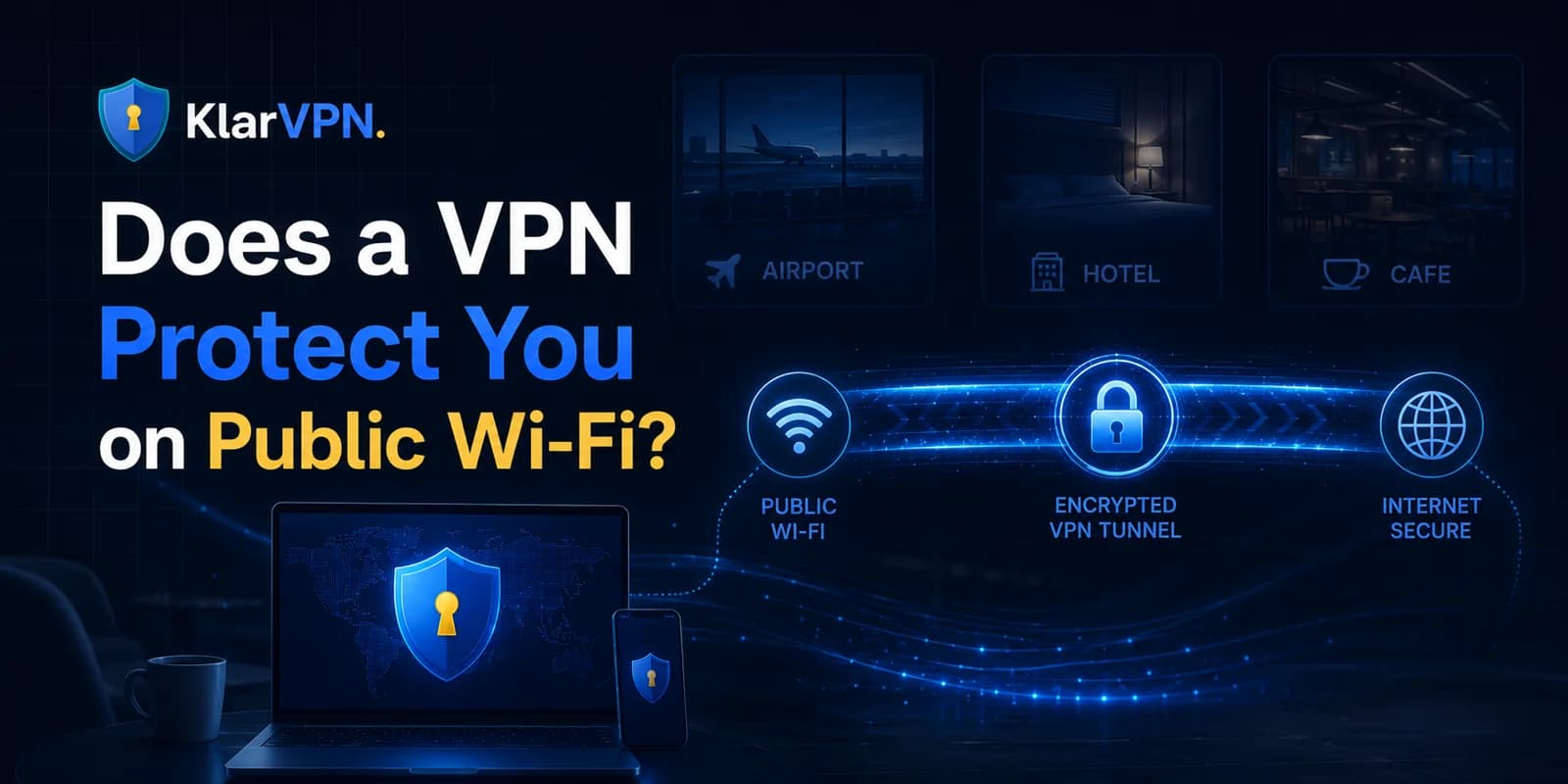
Does a VPN Protect You on Public Wi-Fi?
Yes, a VPN helps protect you on public Wi-Fi by encrypting your internet connection between your device and the VPN server.
That means people on the same public Wi-Fi network, such as a cafe, hotel, airport, university, or mall network, cannot easily inspect your internet traffic at the local network level.
But a VPN is not total security.
A VPN can help protect your connection from local Wi-Fi snooping, hide your real IP address from websites, and make public Wi-Fi safer to use. It cannot stop phishing, weak passwords, malware, fake websites, unsafe downloads, or tracking that happens after you log into an account.
So the honest answer is:
A VPN protects your connection on public Wi-Fi, but it does not protect you from every online risk.
If you are using public Wi-Fi for email, work tools, banking, shopping, messaging, or personal accounts, turning on a VPN first is a smart step.
If you are still deciding whether you should turn it on before connecting, read
How Public Wi-Fi Traffic Can Be Exposed
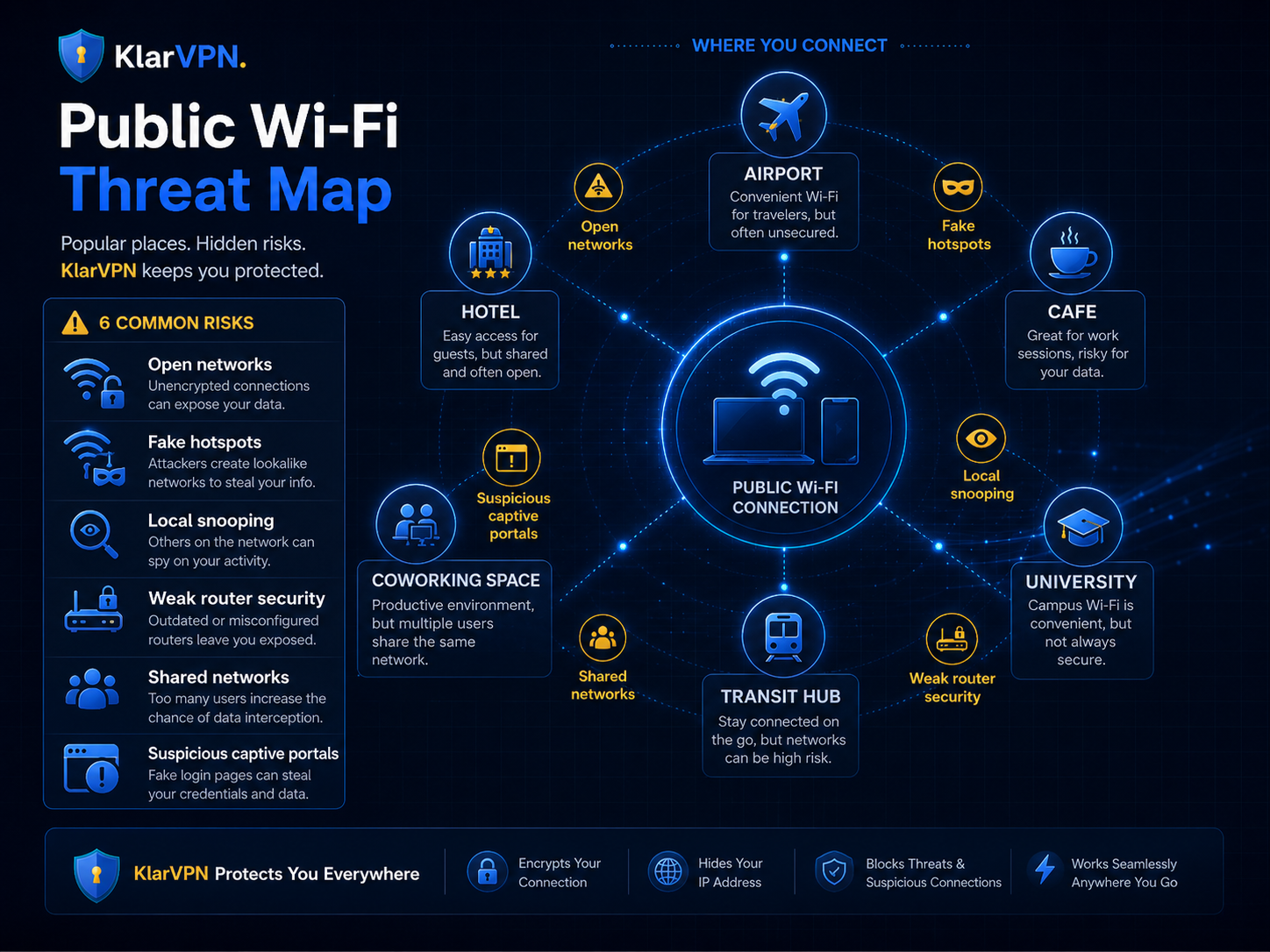
Public Wi-Fi is risky because it is shared and often outside your control.
At home, you usually know who manages the network. On public Wi-Fi, you usually do not. The network may belong to a hotel, cafe, airport, coworking space, school, mall, or public transport hub. You may know the name of the network, but you usually do not know how secure it is.
There are a few common ways public Wi-Fi can expose users.
Unsecured Networks
Some public Wi-Fi networks are open and do not require a password.
Anyone nearby can join them. Most people may only be browsing normally, but open access makes the network easier to abuse.
If you connect to an open network without protection, your device is relying heavily on the websites and apps you use to keep traffic safe.
A VPN adds another layer by encrypting your traffic before it leaves your device.
Poorly Managed Networks
Not every business manages Wi-Fi securely.
Some routers are outdated. Some networks use weak settings. Some public networks are overloaded. Some are set up for convenience, not privacy.
As a user, you usually cannot inspect the router or network settings before connecting.
That is why public Wi-Fi safety should not depend only on trusting the venue.
Fake Wi-Fi Hotspots
Fake hotspots are networks created to look like real public Wi-Fi.
For example, a fake network may use a name like:
- Airport Free Wi-Fi
- Hotel Guest Wi-Fi
- Cafe Internet
- Mall Public Wi-Fi
If you connect to the wrong network, you may be sending your traffic through a network controlled by someone else.
A VPN can encrypt your connection after you connect, but it does not help you identify the correct network. You still need to verify the Wi-Fi name before joining.
Local Network Snooping
On poorly secured public networks, someone may try to observe traffic or device activity at the network level.
A VPN helps reduce this risk by encrypting your traffic inside a secure tunnel.
That is one of the clearest reasons to use a VPN for unsecured Wi-Fi.
How VPN Encryption Protects You
A VPN protects you by creating an encrypted tunnel between your device and the VPN server.
Without a VPN, your internet traffic moves from your device through the public Wi-Fi network and then out to websites and apps.
With a VPN, your traffic first enters an encrypted VPN tunnel. The local Wi-Fi network can see that your device is connected and sending traffic, but it cannot easily inspect the contents of your browsing activity inside the tunnel.
Think of it like this:
Without a VPN, you are sending traffic across a public road.
With a VPN, your traffic moves inside a protected tunnel before it reaches the internet.
This is especially useful on public Wi-Fi because you do not control the network.
A VPN helps protect:
- Your connection between your device and the VPN server
- Your browsing activity from local network snooping
- Your real IP address from websites and apps
- Your traffic on open or poorly managed Wi-Fi networks
A VPN does not make you invisible. It does not make every website safe. It does not stop you from entering details on a fake page.
But it does make public Wi-Fi safer by protecting the part of the connection that public networks can expose.
For a broader explanation of VPN privacy limits, read What Does a VPN Hide?
What the Wi-Fi Owner May Still See
A VPN reduces what a Wi-Fi owner can see, but it does not hide everything.
If you use a VPN on public Wi-Fi, the network owner may still see some basic information.
They May See That Your Device Is Connected
The Wi-Fi network can usually see that your device has joined the network.
This is normal. You cannot use Wi-Fi without connecting to the network.
They May See Device or Network Metadata
Depending on the network, the owner may see basic technical details, such as your device connection, time connected, or amount of data used.
This is not the same as seeing your browsing activity.
They May See That You Are Using VPN Traffic
A Wi-Fi owner may be able to tell that your device is sending encrypted VPN traffic.
But they should not be able to easily see the websites, searches, messages, or account activity inside the encrypted VPN tunnel.
They May See Bandwidth Patterns
The network may see that your device is using more or less data at certain times.
For example, streaming video may use more bandwidth than reading text. But with a VPN, the network should not be able to inspect the actual content of that traffic in the same direct way.
So, can a cafe, school, hotel, or airport Wi-Fi owner see what websites you visit with a VPN?
In most normal cases, they can see that you are connected and using traffic, but the VPN helps hide the browsing activity inside the tunnel.
What Websites and Apps May Still See
A VPN protects your connection from the local Wi-Fi network, but websites and apps can still collect information in other ways.
This is where many users get confused.
A VPN is not the same thing as complete anonymity.
Account Logins
If you log into an account, that website knows it is you.
For example, if you log into your email, bank, social media, or shopping account, the service can identify you through your account.
A VPN does not change that.
Cookies
Websites may use cookies to remember your browser, preferences, login state, or past activity.
A VPN does not automatically remove cookies.
Device Fingerprinting
Some websites use browser, device, screen, language, timezone, and behaviour signals to recognise users.
A VPN may hide your IP address, but it does not erase every browser or device signal.
Information You Provide
If you enter your name, email, phone number, address, card details, or login information on a website, the VPN cannot hide that from the website.
You gave it directly.
App Tracking
Apps may collect account, device, usage, or advertising data depending on their permissions and privacy practices.
A VPN does not control every app's data collection behaviour.
This is why a VPN should be used with other good habits, not instead of them.
VPN Protection: What It Protects vs What It Does Not
| Situation | Does a VPN Help? | What to Know |
|---|---|---|
| Local Wi-Fi snooping | Yes | A VPN encrypts traffic between your device and the VPN server |
| Open public Wi-Fi | Yes | A VPN adds protection to networks you do not control |
| Hiding your real IP from websites | Yes | Websites usually see the VPN connection instead of your real IP address |
| Wi-Fi owner sees browsing activity | Yes | They may see connection metadata, but not activity inside the VPN tunnel |
| Fake Wi-Fi hotspots | Partly | A VPN encrypts traffic, but you still need to avoid joining fake networks |
| Phishing websites | No | A VPN cannot stop you from entering details on fake pages |
| Weak passwords | No | Use strong passwords and two-factor authentication |
| Malware on your device | No | A VPN does not remove malware |
| Logged-in account tracking | No | Websites can identify you when you log in |
| Browser cookies | No | A VPN does not automatically clear cookies |
| Device fingerprinting | No | A VPN does not hide every device or browser signal |
| Unsafe downloads | No | Avoid unknown files and suspicious links |
A VPN protects your connection. It does not protect every decision you make online.
Best Practices for Using Public Wi-Fi Safely
A VPN works best when you combine it with simple, safe browsing habits.
Use this checklist before connecting to public Wi-Fi.
1. Turn On Your VPN First
Do not wait until after opening your browser, email, banking app, or work tools.
Connect to the Wi-Fi, turn on your VPN, then start browsing.
2. Verify the Network Name
Fake hotspots can look real.
Before joining a hotel, airport, cafe, or coworking Wi-Fi, confirm the correct network name with staff or official signage.
3. Avoid Suspicious Captive Portals
Some public Wi-Fi networks ask you to open a login page before browsing.
Be careful if the page asks for unnecessary personal information, payment details, app installs, or strange permissions.
If something feels suspicious, do not continue.
4. Use HTTPS Websites
HTTPS helps protect data between your browser and the website.
A VPN adds another layer, but you should still avoid entering sensitive information on websites that do not use HTTPS.
5. Use Strong Passwords
A VPN cannot protect a weak password.
Use unique passwords for important accounts and avoid reusing the same password everywhere.
6. Enable Two-Factor Authentication
Two-factor authentication adds another layer of account protection.
Even if someone gets your password, they may still need a second verification step to log in.
7. Keep Your Device Updated
Updates often fix security issues.
Keep your phone, laptop, browser, and apps updated before regularly using public Wi-Fi.
8. Run a VPN Check
After connecting, make sure your VPN is working properly.
A simple VPN Leak Test can help you check whether your IP, DNS, or WebRTC details are leaking outside the VPN connection.
How KlarVPN Helps Make Public Wi-Fi Protection Clearer
KlarVPN is built for users who want VPN protection they can understand.
On public Wi-Fi, KlarVPN helps by creating your own private, encrypted tunnel for your connection. This protects your traffic before it moves across networks you do not fully control.
KlarVPN is also built around visible privacy.
Instead of asking users to blindly trust vague privacy claims, KlarVPN includes a live transparency dashboard that helps users see what data exists in KlarVPN's system and what does not.
KlarVPN is built around:
- Your own private encrypted tunnel
- Live transparency dashboard
- Kill Switch + Auto-Connect
- No browsing history
- No IP destination logs
- No DNS queries
- No behavioural profiles
Does a VPN Make Public Wi-Fi Completely Safe?
No.
A VPN makes public Wi-Fi safer, but not completely safe.
It protects your connection from local network snooping and helps hide your real IP address. But it does not stop fake websites, phishing, malware, weak passwords, unsafe downloads, or tracking that happens after you log into an account.
The safest approach is to use a VPN with basic precautions:
- Verify the Wi-Fi network.
- Turn on your VPN before browsing.
- Use HTTPS websites.
- Avoid suspicious login pages.
- Keep your device updated.
- Use strong passwords and two-factor authentication.
If you do that, public Wi-Fi becomes much safer to use.
Final Answer: Does a VPN Protect You on Public Wi-Fi?
Yes, a VPN protects you on public Wi-Fi by encrypting your connection and reducing what the local network can see.
It helps protect against network-level snooping, hides your real IP address from websites, and makes open or poorly managed Wi-Fi safer to use.
But it is not total security.
A VPN does not stop phishing, malware, weak passwords, fake websites, unsafe downloads, or logged-in account tracking.
The best habit is simple:
Use a VPN before browsing on public Wi-Fi, and combine it with basic safe browsing habits.
FAQs
Can public Wi-Fi steal passwords if I use a VPN?
A VPN helps protect your connection from local network snooping, but it cannot protect you if you type your password into a fake website. Use a VPN, check the website carefully, and enable two-factor authentication.
Can a VPN stop fake Wi-Fi hotspots?
A VPN can encrypt your traffic after you connect, but it cannot tell you whether a Wi-Fi network is fake. Always verify the official network name before joining a public Wi-Fi.
Does a VPN make public Wi-Fi completely safe?
No. A VPN makes public Wi-Fi safer, but it does not protect against phishing, malware, weak passwords, unsafe downloads, or compromised devices.
Can my school or cafe see websites with a VPN?
A VPN helps hide your browsing activity inside an encrypted tunnel. The school or cafe network may still see that your device is connected and using VPN traffic, but not your website activity in the same direct way.
Should I use a VPN with HTTPS websites?
Yes. HTTPS protects your connection to a website, while a VPN protects your connection across the local network. Using both together gives stronger protection on public Wi-Fi.


