
Do You Need a VPN on Android?
You do not need a VPN on Android for every task.
Modern Android phones already have strong security features; apps and websites commonly use encrypted connections, and Android includes privacy controls such as app permissions, sandboxing, randomised MAC addresses, and Private DNS.
But those protections do not do the same job as a VPN.
A VPN becomes useful when you want more network privacy: protecting your connection on networks you do not control, hiding your normal public IP from websites, or keeping the same privacy layer while your phone moves between Wi-Fi and mobile data.
The easiest way to decide is not to ask:
“Does every Android phone need a VPN?”
Ask:
“What am I trying to protect?”
When Is a VPN Actually Useful on Android?
Here is the practical answer.
| Situation | Is a VPN useful? | Why? |
| Airport, hotel, or cafe Wi-Fi | Yes | Adds an encrypted tunnel on a network you do not control |
| Home Wi-Fi you trust | Optional | Useful for IP and network privacy, but not essential for basic phone security |
| 4G / 5G mobile data | Optional | Adds network privacy and replaces your visible carrier IP |
| Traveling | Useful | Protects unfamiliar networks and lets you select a VPN location |
| Hiding your real IP from websites | Yes | Sites see the VPN IP instead of your normal network IP |
| Using Android Private DNS | Depends | Private DNS protects DNS queries, not your full connection |
| Using a banking app | Usually optional | Banking apps already use encrypted connections; a VPN is not a replacement for account security |
| Trying to become completely anonymous | No | A VPN cannot hide every way apps and websites identify you |
| Using a work profile | Depends | Your employer may already require or configure a work VPN |
If several of the Yes or Useful situations apply to you, using a VPN on Android probably makes sense.
If you want to see how KlarVPN works on Android, visit our VPN for Android
Android Security and Network Privacy Are Not the Same Thing
Android does a lot to protect the phone itself.
One of its core protections is the Application Sandbox. Android assigns apps separate identities and isolates them so one app cannot normally read another app’s private data or access protected system resources without permission. Android also requires apps to be signed and uses a permissions system to control access to sensitive features such as contacts, location, microphone, and camera. Android Open Source Project
Those protections are important.
But they mainly answer questions such as:
- Can one app access another app’s data?
- Can this app use my camera?
- Can it see my location?
- Is this app allowed to access a protected Android feature?
A VPN answers a different question:
How does my internet traffic leave the phone?
When a VPN is connected, traffic routed through it travels inside an encrypted tunnel between your Android device and the VPN service.
That gives you protections Android’s app sandbox alone does not provide, including hiding your normal public IP from websites and reducing what the local network can directly observe about your connection.
Think of the layers this way:
Android security protects the device and apps.
HTTPS protects individual connections to websites and services.
A VPN protects the network path between your Android device and the VPN service.
They solve different problems.
What About Android Private DNS?
This is where Android users often get confused.
Android includes Private DNS, and Google recommends leaving it enabled when available.
Private DNS encrypts the DNS requests your phone makes when it needs to translate a domain such as example.com into an IP address.
That’s useful.
But Google is very clear about its limitation:
Private DNS protects DNS queries and answers only. It does not protect the rest of your internet connection. Google Help
So Private DNS does not:
- Replace your public IP with a VPN IP
- Create a full VPN tunnel
- Protect all network traffic
- Give you a selectable VPN location
- Replace a VPN on public Wi-Fi
Private DNS and a VPN can therefore coexist.
One protects DNS resolution.
The other protects traffic routed through the VPN tunnel.
Do You Need a VPN on Public Wi-Fi?
This is one of the clearest use cases.
Your home Wi-Fi is a network you chose and usually control.
Airport Wi-Fi is not.
Neither is the network at a hotel, coffee shop, university, conference centre, shopping mall, or coworking space.
That does not mean every public hotspot is dangerous. Modern websites and apps generally use encrypted HTTPS connections, which already protect a large amount of sensitive traffic.
Still, you are using infrastructure you do not control.
A VPN gives you an encrypted connection between your Android phone and the VPN service before the traffic travels onward.
That can reduce the amount of trust you need to place in the local network.
It is especially worth considering when you frequently use:
- Airport Wi-Fi
- Hotel Wi-Fi
- Cafe networks
- Guest networks
- University Wi-Fi
- Coworking spaces
- Public hotspots
A VPN does not make phishing sites safe, and it cannot protect you if you willingly enter your password into a fake website.
It protects the connection.
Not every decision you make on that connection.
Do You Need a VPN on 4G or 5G?
Usually not for basic phone security.
Mobile networks are different from open public Wi-Fi.
But a VPN can still be useful when your Android phone uses mobile data.
Your carrier provides the underlying connection. Without a VPN, the public IP associated with that connection is normally visible to the websites and services you use.
When you connect through a VPN, websites generally see the VPN’s public IP instead.
A VPN can also reduce how much network-level information your internet provider can directly associate with your browsing traffic, although the provider can still see that your device is communicating with a VPN service.
So you might use a VPN over 4G or 5G if you want:
- More network privacy
- A different visible IP address
- The same VPN protection when switching between Wi-Fi and mobile data
- A selected VPN location while travelling
You do not need one simply because your phone says 5G.
For most people, it is a privacy preference rather than an emergency security requirement.
Six Times a VPN Makes Sense on Android
Rather than leaving a VPN running because someone told you that you “must,” use it when it solves a real problem.
1. You’re Using a Network You Don’t Control
Hotels, airports, cafes, guest Wi-Fi, and public hotspots are obvious examples.
A VPN reduces how much trust you need to place in that network.
2. You Want Websites to See a VPN IP
A VPN replaces your normal visible network IP with the VPN server’s public IP while connected.
That does not make you anonymous, but it removes one straightforward identifier from the website’s view.
3. You Travel Frequently
Travel means unfamiliar networks.
A VPN gives you a consistent privacy layer whether you are on hotel Wi-Fi, an airport network, or mobile data in another country.
You can also select from available VPN locations rather than relying only on the IP your current network assigns.
4. Your Phone Constantly Switches Networks
Android phones move between Wi-Fi and mobile data all day without much thought from the user.
If you value consistent network privacy, keeping a VPN connected or using Auto-Connect can reduce the chance that you forget to enable it when joining an unfamiliar network.
5. You Want Protection Beyond the Browser
A VPN on Android operates at the device’s VPN connection level rather than acting only as a browser extension.
Android’s VPN framework can route app traffic through the VPN, and Android also supports per-profile and enterprise VPN configurations. Google Help
That makes a VPN useful if your concern extends beyond Chrome to other apps that use the connection.
6. You Want More Control Over Your Network Privacy
Some users simply do not want every network they connect through to be the default path for their internet traffic.
That is a reasonable privacy preference.
A VPN gives you another layer of control.
When Is Leaving the VPN Off Reasonable?
There are also times when turning it off is perfectly sensible.
For example:
- You are on your trusted home network.
- A local device such as a printer or smart TV is not reachable through your VPN configuration.
- A banking or payment service dislikes the VPN IP.
- A workplace or school network has its own requirements.
- You want the lowest possible latency for gaming.
- An app behaves incorrectly while the VPN is active.
- You simply do not need the additional network-privacy layer at that moment.
Android itself supports Always-on VPN and, on supported configurations, the ability to block traffic that does not go through the VPN. But whether you should use that strict setup depends on your needs. Google Help
Keeping a VPN on permanently is a choice.
Not a requirement for using Android safely.
Should You Keep a VPN On All Day?
You can.
For some people, that is the easiest option.
Imagine your phone moving through this day:
Home Wi-Fi → 5G → office Wi-Fi → cafe Wi-Fi → 5G → hotel Wi-Fi
If your VPN remains connected, you do not need to make a new privacy decision every time the network changes.
This is where features such as Auto-Connect and a Kill Switch become useful.
Auto-Connect can help establish VPN protection when you join an unfamiliar network.
A Kill Switch helps prevent traffic from simply continuing outside the VPN if the protected connection unexpectedly drops.
Android also has built-in support for Always-on VPN in many configurations. Google Help
But leaving a VPN on all day is still optional.
If an app requires your normal connection or the VPN causes compatibility problems, temporarily disconnecting is completely reasonable.
What a VPN Cannot Protect on Android
This is just as important as knowing what it can do.
A VPN protects the network connection.
It does not turn your Android phone into an invisible device.
A VPN cannot automatically protect you from:
Phishing
If you type your password into a convincing fake login page, a VPN cannot know that you made the wrong choice.
Malicious Apps
A VPN does not turn a malicious or badly designed app into a safe one.
Android’s permissions, Play Protect, app sandboxing, software updates, and good installation habits matter here.
Account Tracking
If you log into Facebook, Google, Amazon, TikTok, or another service, that company knows which account you are using.
Changing your IP does not change the fact that you signed in.
Cookies and Fingerprinting
Websites can recognise returning users using cookies, browser characteristics, device signals, and other techniques.
A VPN changes an important network identifier, your public IP, but not all the other signals.
GPS Location
If an Android app has permission to access your precise location, connecting to a VPN server in another country does not automatically change your GPS coordinates.
Information You Share Yourself
If you enter your name, address, email, phone number, or payment details into a service, a VPN cannot hide that information from the service receiving it.
That is why “VPN = anonymity” is the wrong way to think about it.
A VPN is a network privacy tool.
A useful one, but still one layer.
What Should You Look for in an Android VPN?
Installing a VPN means giving another service an important role in your internet connection.
So the app itself deserves scrutiny.
Check the Permissions
Android permissions are designed to protect access to restricted device data and sensitive actions. A VPN app should be able to explain why it requests anything beyond the permissions required for its features. Android Developers
If a VPN asks for something unexpected, find out why before approving it.
Read the Google Play Data Safety Section
Google Play includes a Data safety section where developers disclose how their app collects, shares, and handles user data.
It is worth reading before installing any privacy app.
Google notes that this information is supplied by developers, so it should be considered alongside the provider’s privacy policy and other documentation. Google Help
Look for a Kill Switch
Connections can drop.
A Kill Switch helps prevent traffic from falling back to the normal connection unexpectedly.
Android also provides system-level VPN controls in some configurations, including Always-on VPN and blocking non-VPN connections.
Look for Auto-Connect
A mobile VPN is more useful when you do not need to remember it every time your phone joins a new network.
Understand the Business Model
This matters especially with free VPNs.
Servers and bandwidth cost money.
Ask:
How is this company paying for the free service?
A free plan with a clear usage limit is very different from one funded through aggressive advertising, profiling, or unclear data practices.
Where KlarVPN Fits
KlarVPN is built around a simple idea:
A VPN should not ask you for blind trust.
When you connect on Android, KlarVPN provisions an isolated encrypted tunnel for your session with its own session keys.
The public VPN IP can still be shared; a private tunnel is not the same thing as a dedicated public IP.
KlarVPN also includes a Transparency Dashboard, so you can see the account information used to operate your service rather than relying only on a “no logs” sentence.
According to KlarVPN’s current product information, it does not keep browsing history, DNS-query logs, destination-IP logs, or behavioural profiles based on your browsing. The service measures bandwidth because the plans have usage allowances.
The Android app also includes:
- Private encrypted tunnel
- Transparency Dashboard
- Kill Switch
- Auto-Connect
- Respin
- No ads
- 3 GB free each month
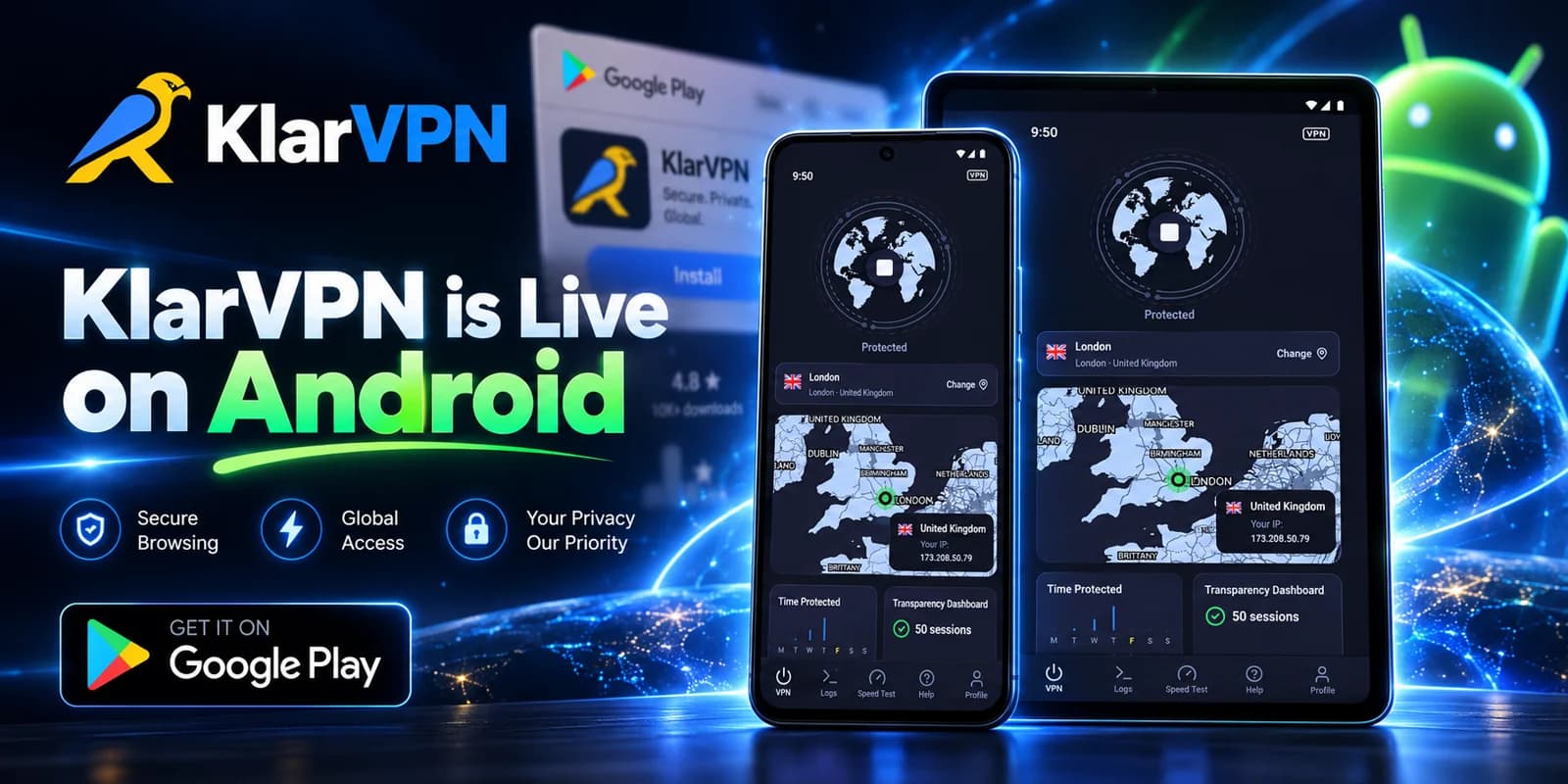
KlarVPN is now available for Android through Google Play.
If a VPN makes sense for the way you use your Android phone, you can try KlarVPN for Android without paying first.
So, Do You Need a VPN on Android?
For most people, the most accurate answer is:
You do not need a VPN simply because you own an Android phone. You need one when its network-privacy benefits solve a problem you actually have.
A VPN is worth considering if you:
- Frequently use public or unfamiliar Wi-Fi
- Want websites to see a VPN IP rather than your normal network IP
- Want a consistent privacy layer across Wi-Fi and mobile data
- Travel frequently
- Want traffic from supported apps routed through an encrypted VPN connection
It is more optional if you mainly use trusted networks, are comfortable with your current level of network privacy, and do not need IP masking or selectable VPN locations.
Android’s built-in security is valuable.
Private DNS is valuable.
HTTPS is valuable.
A VPN does not replace any of them.
It adds another layer one focused specifically on your network connection.
If that layer fits your needs, download KlarVPN for Android and start with 3 GB free each month.
Frequently Asked Questions
Do I need a VPN on Android when using mobile data?
Not necessarily. Mobile data is not the same as open public Wi-Fi, so a VPN is not required just to use 4G or 5G safely. You may still want one for additional network privacy, IP masking, or consistent protection when switching between cellular data and Wi-Fi.
Do I need a VPN on home Wi-Fi?
Usually not for basic security if you trust and properly secure your home network. A VPN can still be useful if you want websites to see a VPN IP instead of your home IP or want an additional layer of network privacy.
Does Android already encrypt my traffic?
Android includes strong device and app security, and many apps and websites encrypt their own network connections using HTTPS or other secure protocols. Android’s Private DNS can also encrypt DNS queries. But these features are not the same as a full VPN tunnel. Google specifically notes that Private DNS protects DNS questions and answers only. Google Help
Should I keep a VPN on all day?
You can if you want consistent network privacy as your phone moves between Wi-Fi and mobile data. Android supports Always-on VPN in many configurations, but keeping a VPN connected all day is a preference rather than a requirement. Google Help
Can a VPN make my Android phone anonymous?
No. A VPN can hide your normal public IP and protect your network connection, but apps and websites may still identify you through account logins, cookies, browser fingerprinting, device identifiers, GPS permissions, and information you provide directly.